ChatticaAI is the interface for your stories; an AI provider supplies the model that writes replies. You only need three things to begin.
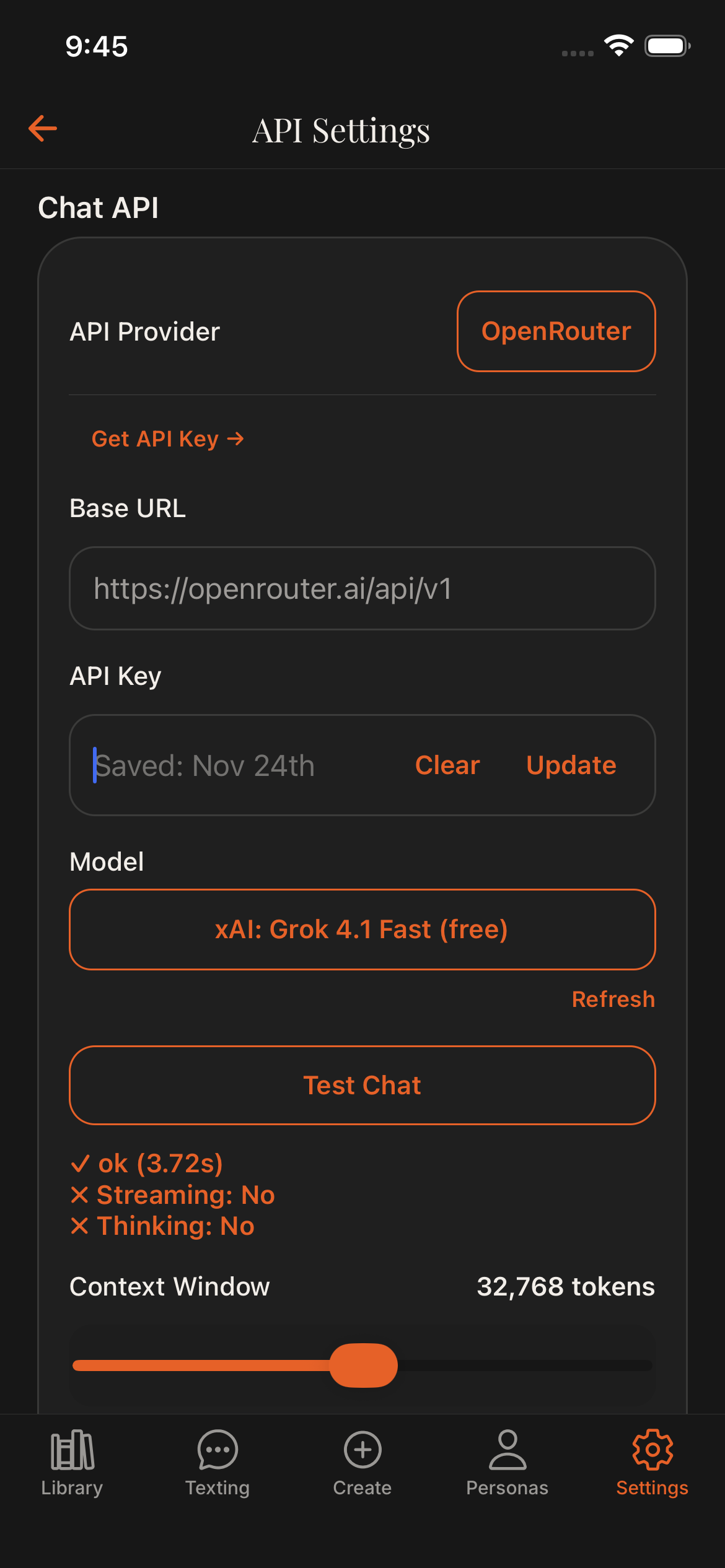
- Connect a provider.Open Settings → API Settings, select a provider, add its key or local address, choose a model, and run the connection test.
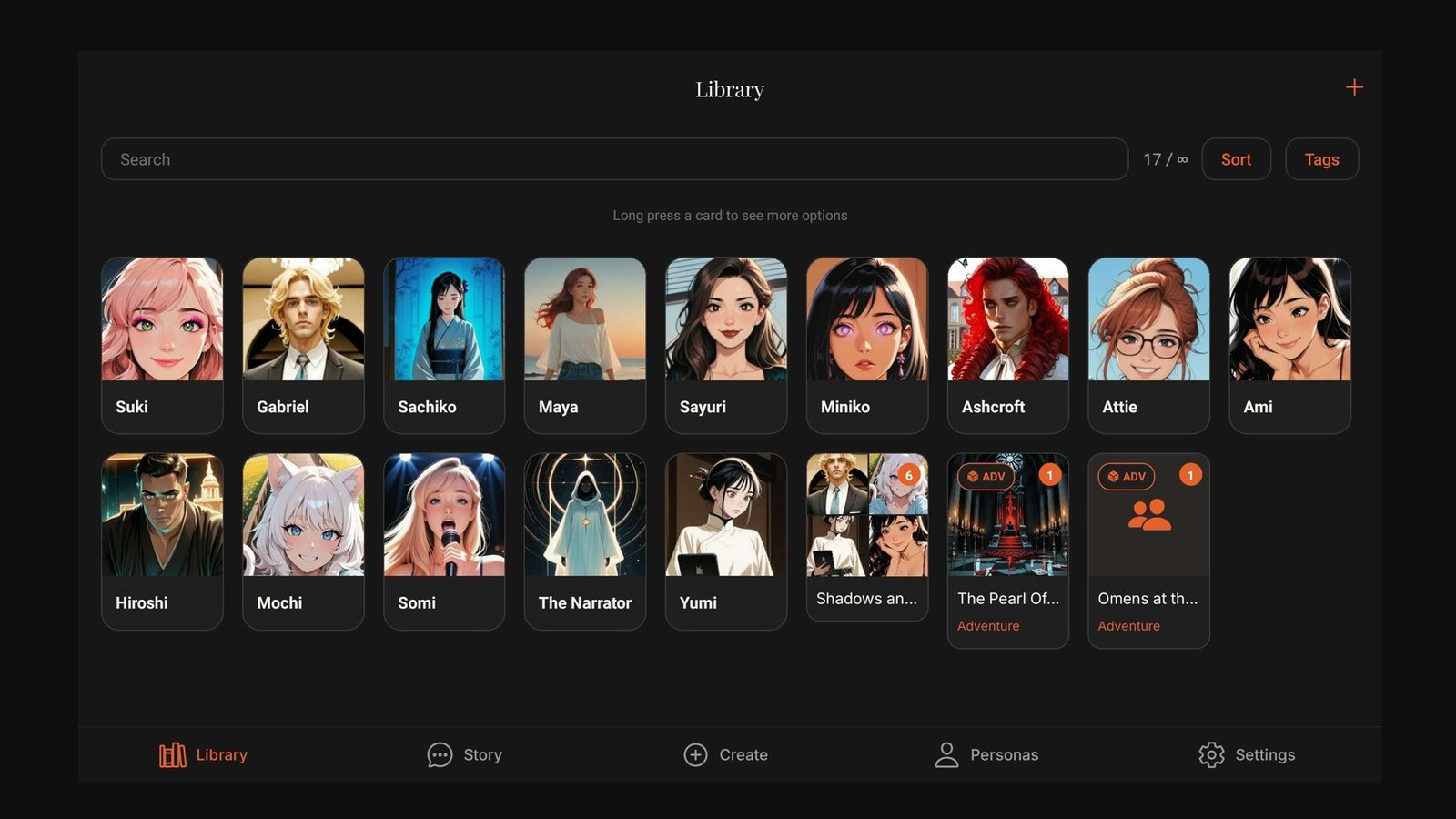
- Add someone to talk to.Open Library, tap +, then create a character or import a compatible card.
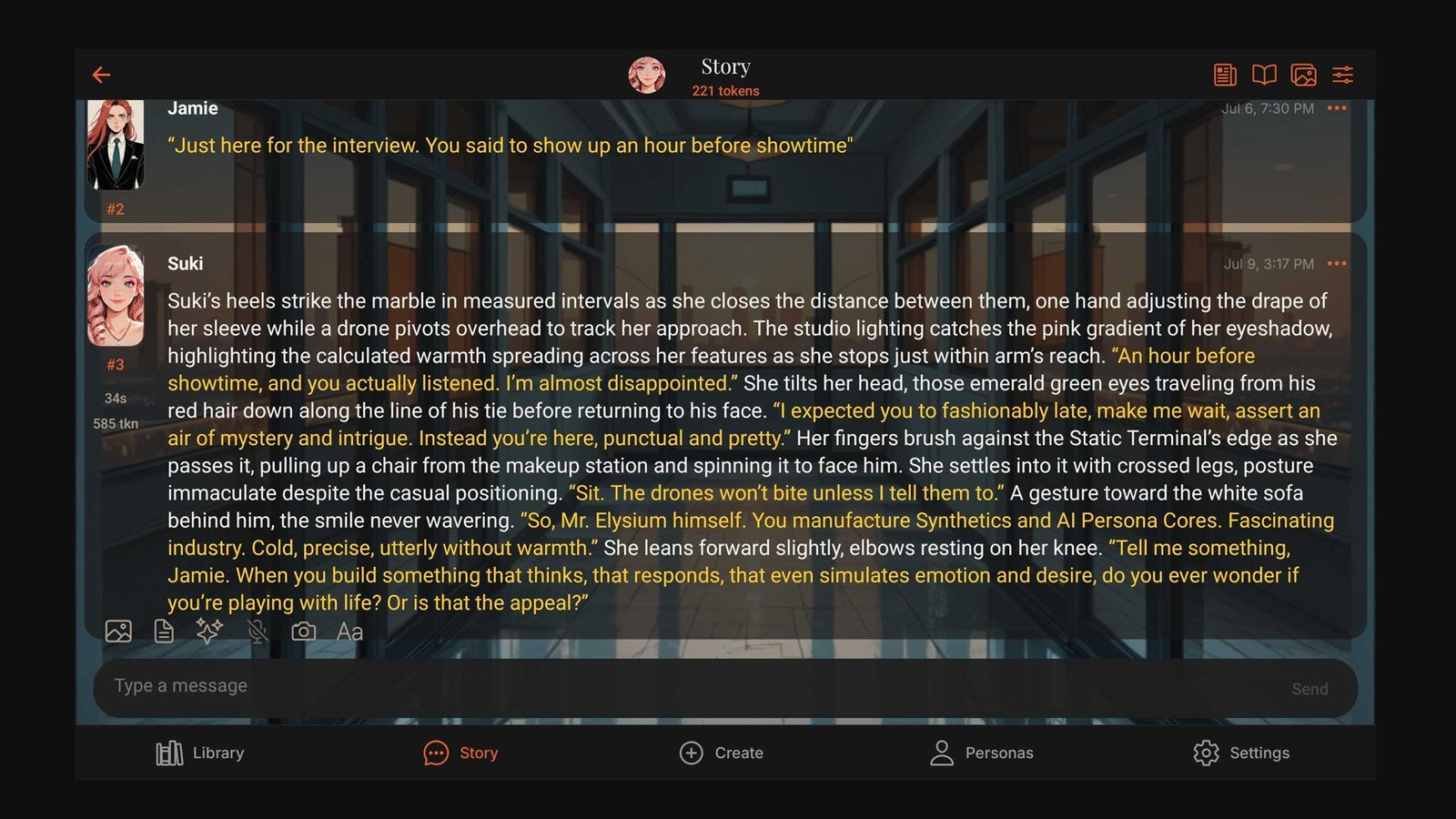
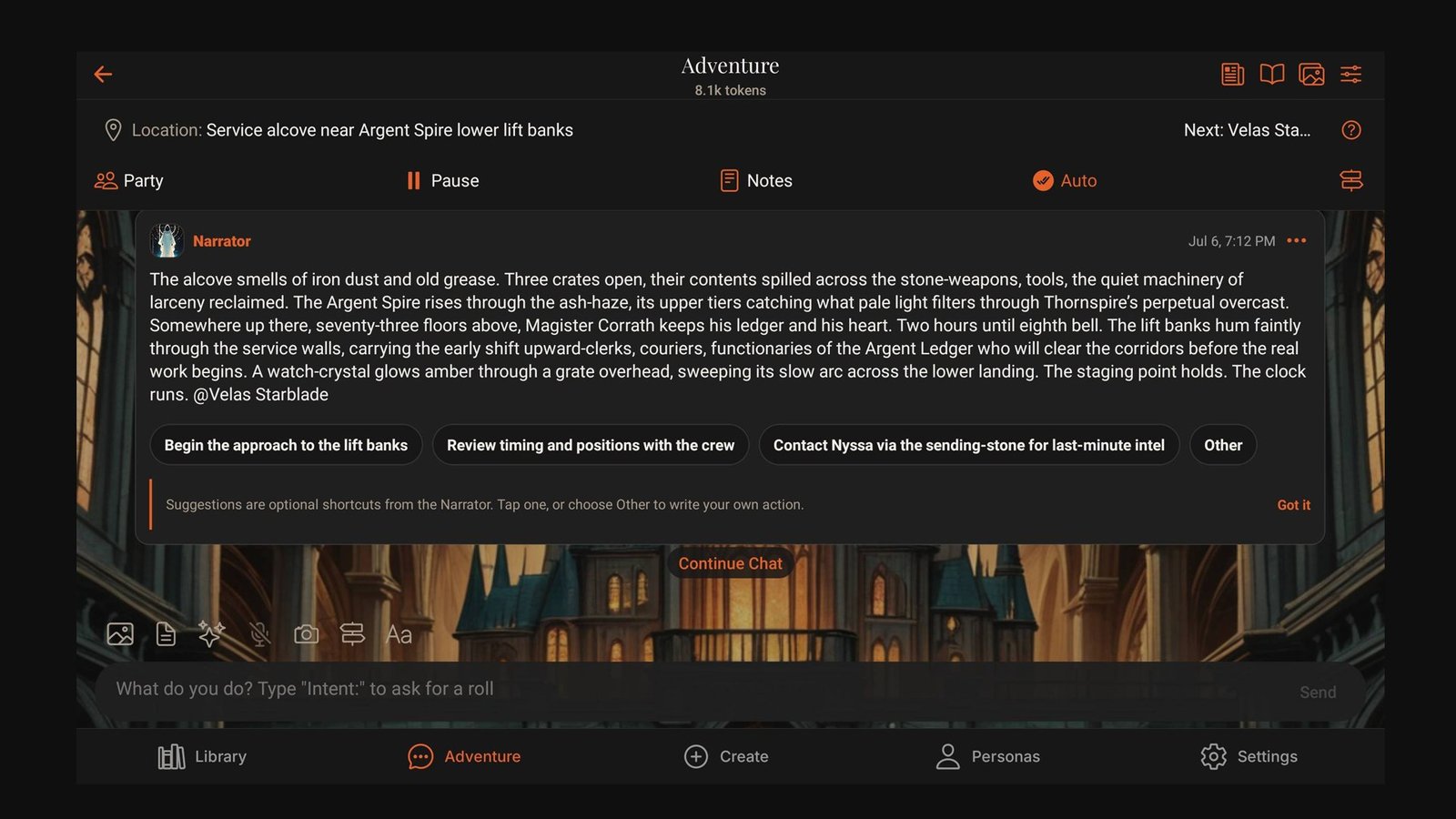
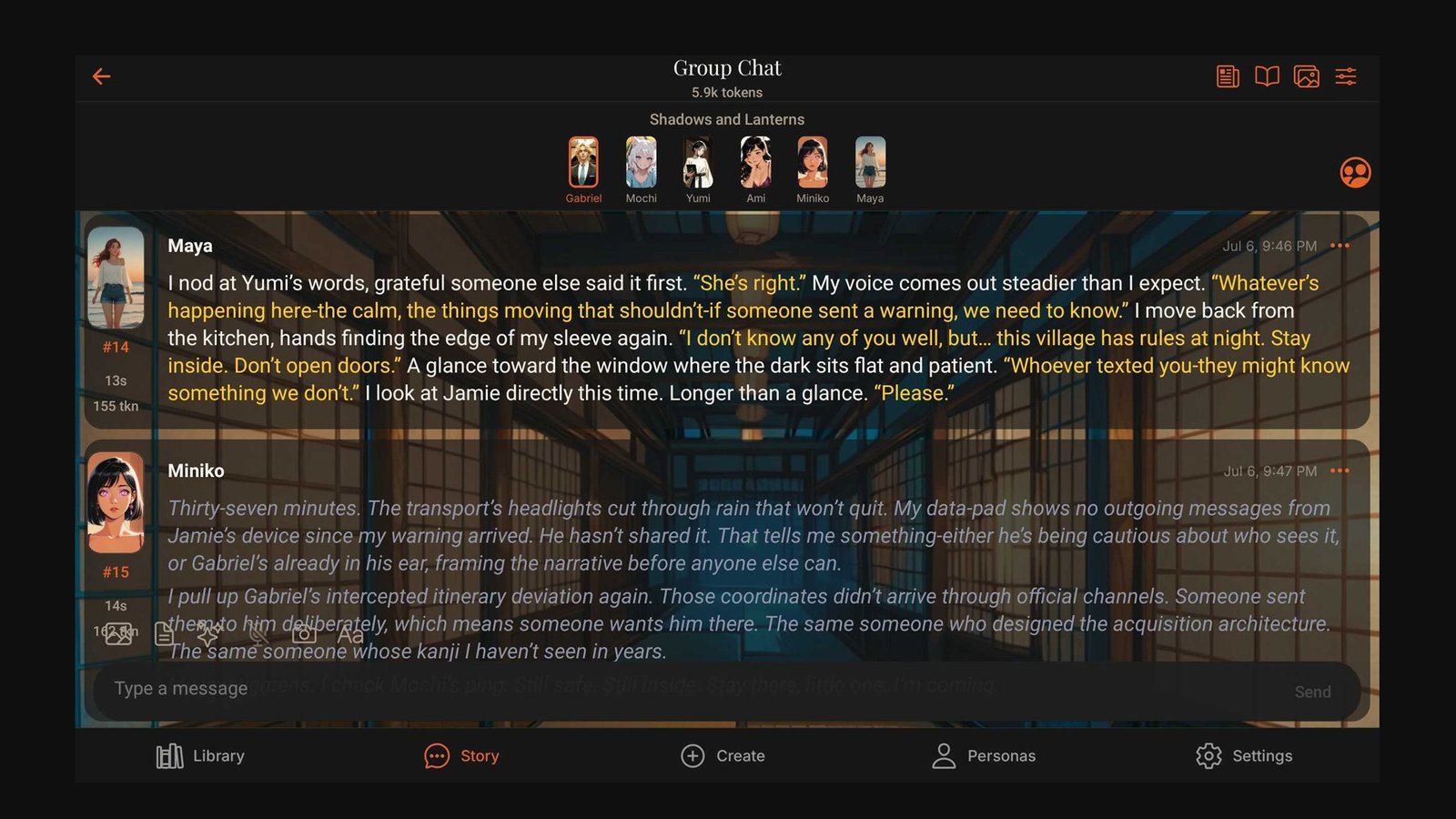
- Start the conversation.Open the character, choose Story or Texting, select a persona if you use one, and send your first message.
New to AI providers? Open the provider guide below before creating a character. Provider charges are separate from a ChatticaAI plan.